
All Your Support + Tools, One Link
Everything you need in one place - support tickets, calls links, guides, and your exclusive access to Trained Advisor Apps
Support Ticket Desk
Submit a support ticket and our team will help you get unstuck fast!
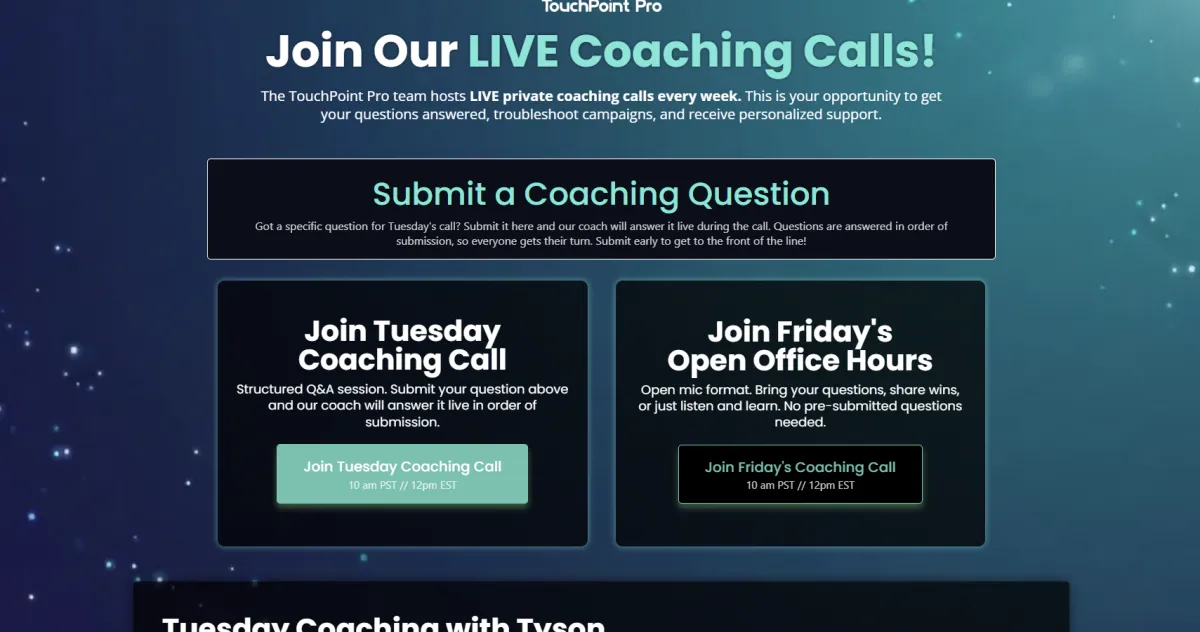
Live Coaching
Join the next call for real-time guidance, feedback, and next steps.
Guides & Tools
Templates, Walkthroughs, Step-by-Step resources - ready when you are!
- TouchPoint Pro Essentials -
Onboarding Essentials
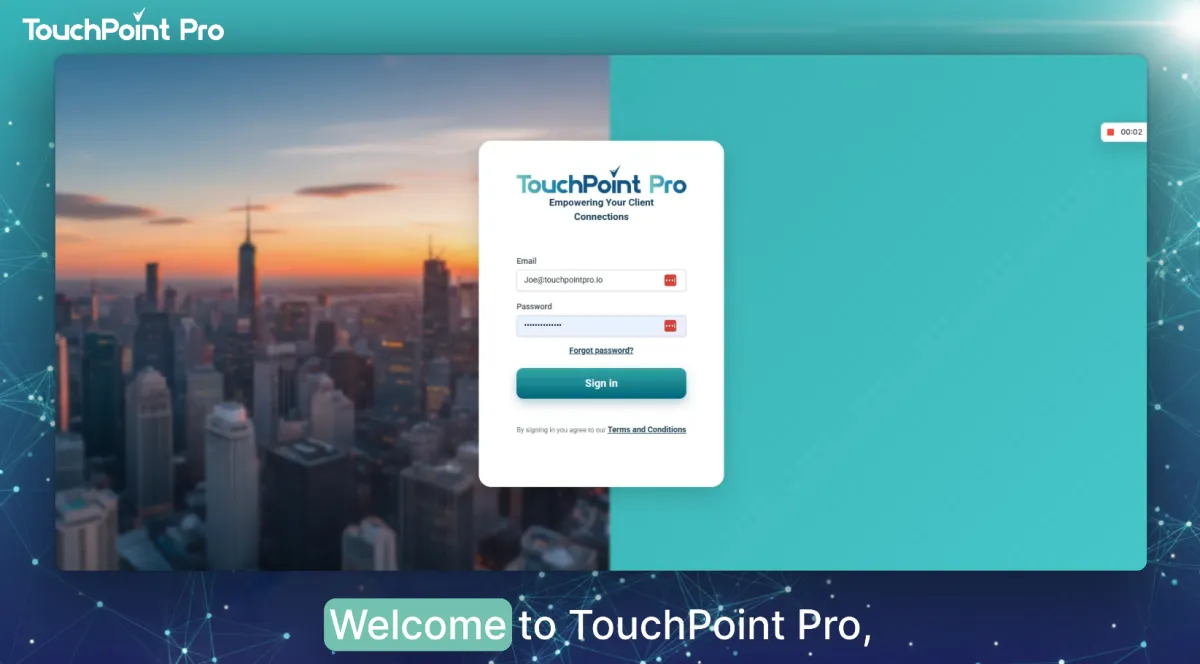
1. TouchPoint Pro Hub Walkthrough
A quick walkthrough of TouchPoint Pro so you know exactly where everything lives - contacts, conversations, pipelines, calendars, and key settings.
Before submitting a ticket, watch this walkthrough.
Dashboard & Opportunity Overview
Tasks & Notes
Conversations & Calendars
...and much more!
2. Confirm Account Settings
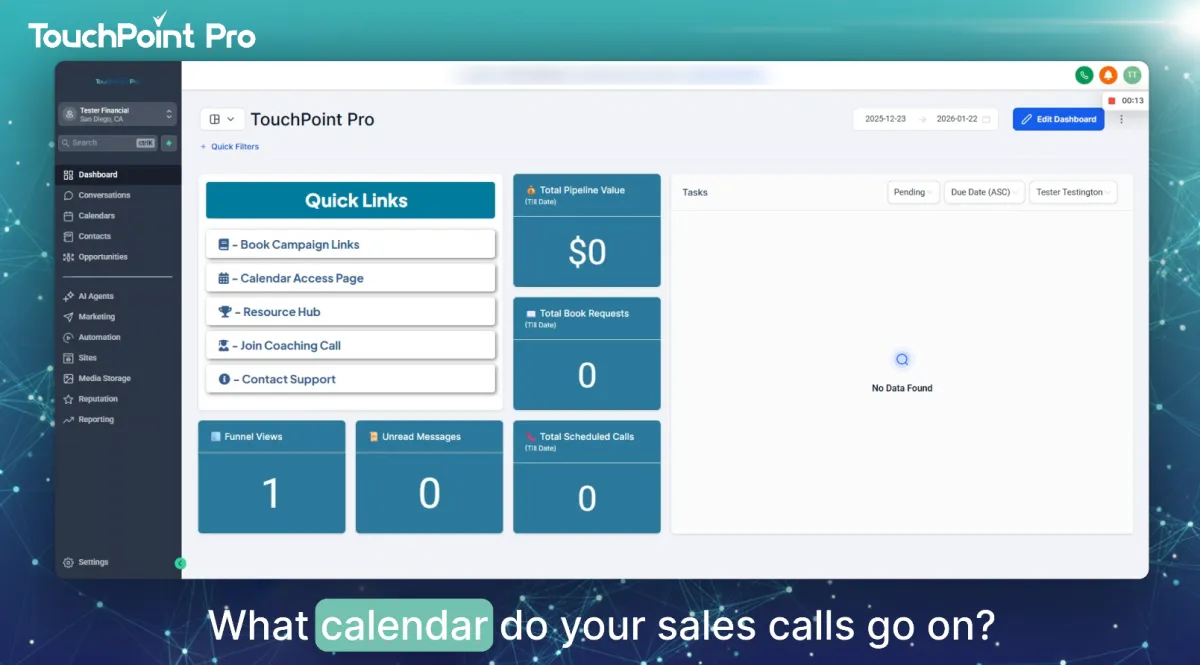
Your TouchPoint Pro account is set up based on your onboarding form answers.
Watch this video to confirm details and complete the setup!
Login & Confirm System Details
Review Key Account Settings
Integrate Email & Calendar
Connect Zoom/Meets/Teams account
3. Get Support & LIVE Coaching Calls
Your TouchPoint Pro account is set up based on your onboarding form answers.
Watch this video to confirm details and complete the setup!
Login & Confirm System Details
Review Key Account Settings
Integrate Email & Calendar
Connect Zoom/Meets/Teams account
Frequently Asked Questions
1) What Do You Handle vs. What Do I Handle?
We handle the marketing execution (funnels, automation, messaging sequences, monitoring, and optimization). You handle the advisor side: taking booked calls, following up with warm prospects, and keeping us in the loop with feedback so we can improve performance.
2) Do I Have to Personally Send LinkedIn Messages?
No. Outreach is automated. You only step in when a prospect becomes “warm” (for example, after they request the book or take a clear action that signals interest).
3) Who Follows Up with LinkedIn Prospects?
We do the initial follow-up and nurturing on LinkedIn (sending the link, reminders, and the standard follow-up flow) until the prospect requests a book/lead magnet. That keeps you out of the weeds so you can focus on high-quality conversations and calls.
4) What should I do when a prospect Responds or Requests the Book?
In most cases, no action is needed inside LinkedIn. You’ll step in when you receive the notification that a prospect has submitted the request form or books a time - then you handle the advisor conversation and appointment.
5) How Do Prospects Schedule Calls (and where does Zoom come from)?
Your scheduling link is built into the campaign. When a prospect books, the system automatically creates the calendar invite and includes the Zoom meeting link (once your calendar + Zoom are connected in settings).
6) How Long Does it Take to See Activity/Results?
You’ll typically see activity begin within the first couple of days once outreach is live, but real momentum can take a few weeks depending on targeting and market response. If things feel unusually quiet, submit a support ticket so we can review targeting, deliverability, and campaign health.
7) How Many Leads/Appointments Should I Expect Per Month?
A common target is 8–12 book-request leads per month, with variation by niche, geography, and responsiveness. We track results and make ongoing adjustments to improve volume and quality.
8) Do I Need LinkedIn Sales Navigator?
Yes - Sales Navigator is required to target the right prospects at scale. Without it, we can’t filter and reach your ideal audience effectively.
9) Can I Pause Outreach or Change Targeting/Niche?
Yes. If you’re traveling or need a break, tell us and we’ll pause outreach. If you want to adjust targeting (niche, location, roles), submit a ticket with what you want changed and we’ll update the filters. Please note we cannot pause billing.
10) Billing, Cancellations, and Refunds — How Does That Work?
We bill according to your agreement and it’s month-to-month (you can cancel anytime). Because a lot of work happens upfront to build and launch your campaign, refunds aren’t typically offered, but if you’re unhappy, open a ticket so we can review what’s happening and fix the root issue.
Need Some Help?

© 2026 by TouchPoint Pro. All Rights Reserved
Contact: [email protected]